

















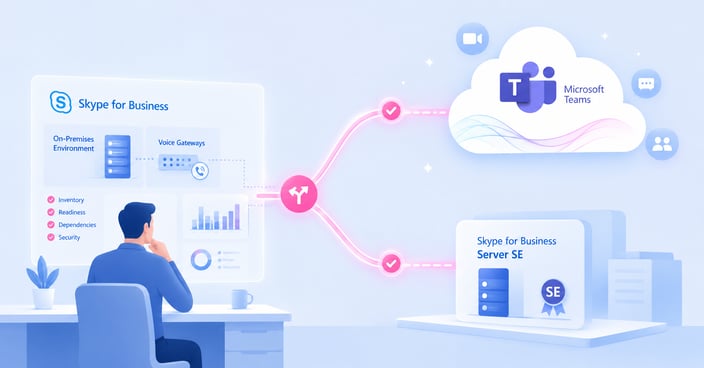

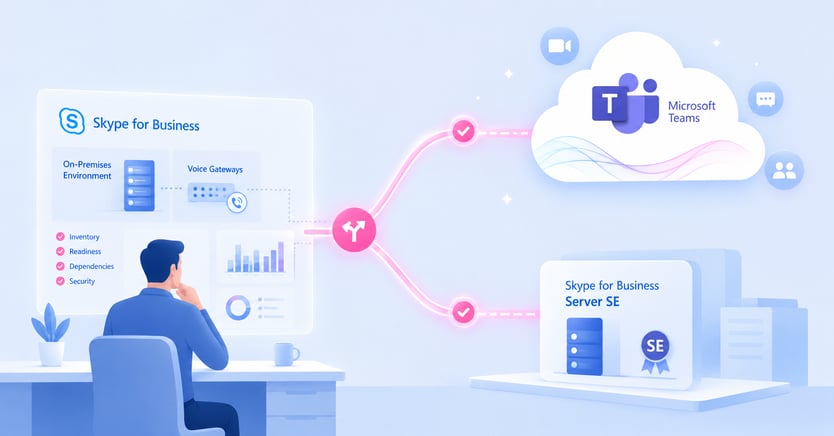
Quick AnswerManaging Skype for Business in 2026 means managing a support-status decision, not just an application. Skype for Business Server 2015 and 2019 lost extended support on October 14, 2025, so they are unsupported today. Skype for Business Server Subscription Edition is the only supported on-premises path forward. The alternative is migrating to Microsoft Teams. Whichever path you choose, the deployment you are running right now still needs to work reliably while you decide. |
Key takeaways: Skype for Business in 2026
- Skype for Business is not one product with one status, and two of the three products most teams mean are already unsupported.
- Unsupported does not mean the platform instantly stops working, but it does change the risk profile every day you stay on it.
- The two real destination paths are Skype for Business Server SE or Microsoft Teams.
- The right decision usually comes down to supportability, infrastructure dependencies, and whether your organization still needs on-premises control.
- IR Collaborate helps teams monitor mixed Skype for Business and Teams estates while they plan, upgrade, or migrate.
Where your Skype for Business deployment stands right now
The support clock already ran out on two of the three products people mean when they say Skype for Business.
Skype for Business is not one product with one lifecycle. Skype for Business Online, the Microsoft 365-hosted version, reached end of life on July 31, 2021 and has been unavailable since. Skype for Business Server 2015 and Server 2019, the on-premises versions many large enterprises were still running, reached end of extended support on October 14, 2025. If your organization is still on one of those versions, you are now running unsupported infrastructure.
The one supported on-premises option is Skype for Business Server Subscription Edition, or SE, released in 2025 as the continuation path for organizations staying on premises. Microsoft’s lifecycle communication makes that distinction clear, and the original support-status changes are reflected in the company’s lifecycle guidance published through the Microsoft Tech Community. If you are deciding whether to stay on premises or move forward with Microsoft cloud collaboration, this is now a live supportability question rather than a future one.
Server SE is code-equivalent to Server 2019 with an in-place upgrade path, but it is governed by Microsoft’s Modern Lifecycle Policy rather than the older fixed server lifecycle cadence. That means it remains supported, but under a model that can change faster than teams used to long server timelines may prefer.
What unsupported changes day to day
Unsupported does not mean broken. It means the risk is now yours to monitor.
For most environments, moving out of support does not cause a visible day-one failure. Calls still connect. Meetings still run. Presence and messaging still behave as they did yesterday. That is exactly why unsupported deployments are easy to under-prioritize. The immediate change is not operational collapse. The change is that no further security fixes, bug fixes, or Microsoft support cases exist for the versions you are still running.
Security exposure grows every month the platform goes unpatched. Third-party integrations such as SBCs, gateways, call recording platforms, and contact center connectors increasingly get tested against Teams and Server SE instead of the 2015 and 2019 code base. Those integrations tend to degrade quietly rather than fail dramatically. And once Microsoft’s support queue is closed for the version you run, every call-quality, performance, or interoperability issue becomes an internal diagnosis problem unless you already have a third-party monitoring layer that still covers the platform.
This is not a reason to panic-migrate this week. It is a reason to stop treating your current deployment as a neutral default. Unsupported software keeps running until it does not, and the gap between those two states is where visibility matters most.
Your two real options: Server SE or Teams
There are only two supportable paths from here, and wait-and-see is not one of them.
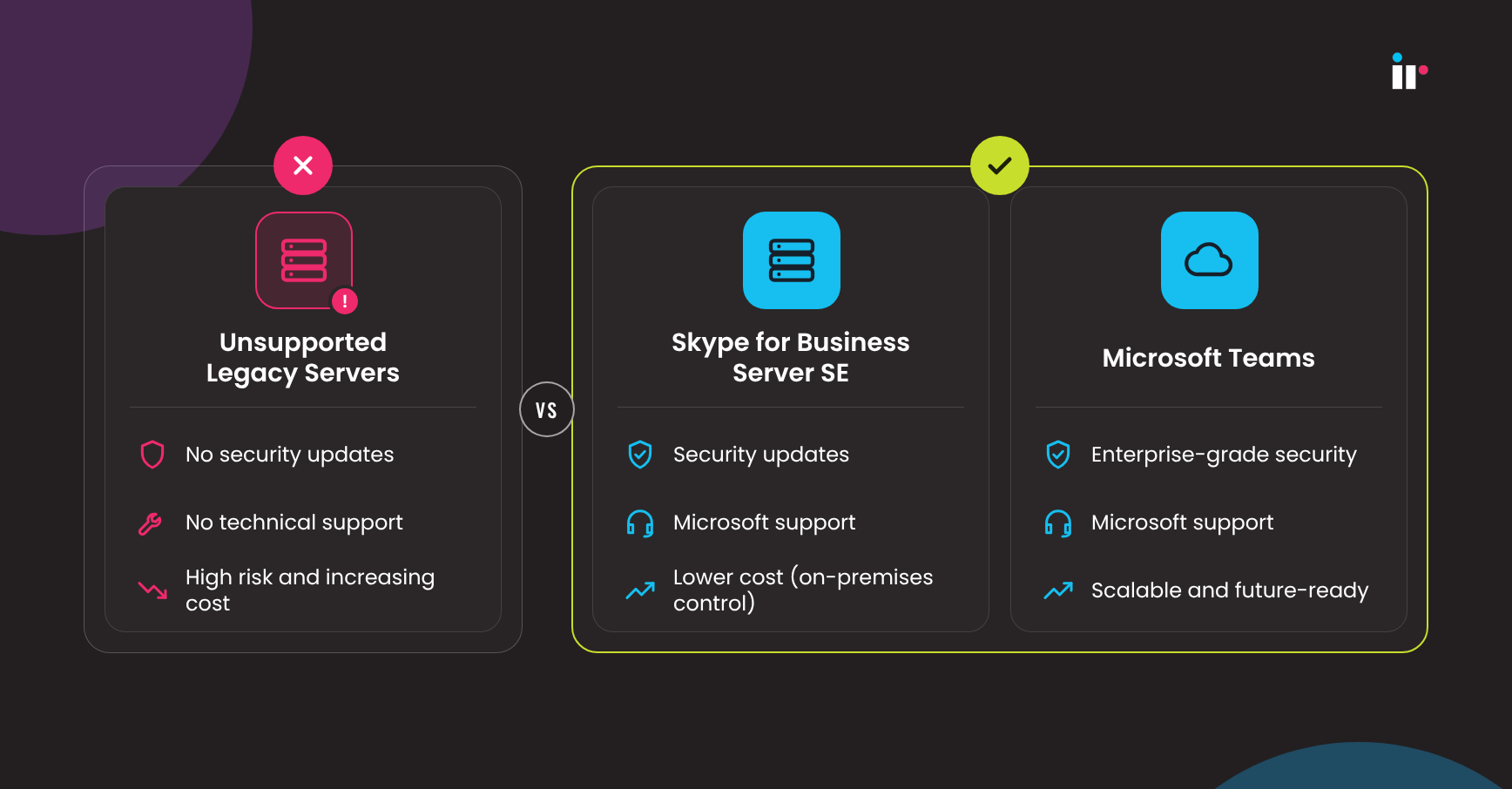
If your organization needs to keep some UC infrastructure on premises because of regulation, data residency, latency, or existing SBC and PSTN investment, Skype for Business Server SE is the supported continuation path. It preserves a familiar administrative model and buys time, but it is still a maintenance path rather than Microsoft’s innovation focus.
If your organization is already moving broader collaboration workloads into Microsoft 365, migrating to Teams is the path Microsoft is actively building new collaboration capabilities into. Teams is not simply the future option. For many organizations, it is also the cleaner operational model because it removes Skype for Business as the one remaining on-premises exception in an otherwise cloud-first estate.
| Consideration | Server 2015/2019 | Server SE | Microsoft Teams |
|---|---|---|---|
| Support status today | Unsupported since Oct 14, 2025 | Supported | Supported |
| Deployment model | On-premises | On-premises | Cloud |
| Feature development | None | Maintenance-focused | Active development |
| Licensing model | Legacy volume licensing | Subscription | Microsoft 365 subscription |
| Best fit | No future-state fit | Hard on-premises requirement | Cloud or hybrid collaboration strategy |
This is not a competitor comparison. Server SE and Teams are both Microsoft destinations. The wrong move is treating your unsupported 2015 or 2019 deployment as a third option with no decision attached.
How to evaluate which path fits your environment
The decision usually comes down to three questions, not a feature checklist.
First, do you have a regulatory or data residency requirement that keeps voice and messaging data on premises? If yes, Server SE or a staged hybrid model is likely the near-term answer. This is exactly why many teams are rethinking what on-premises means in practice, and why on-premises can still be a control strategy instead of just a legacy holdover.
Second, how dependent is your environment on existing SBCs, gateways, and PSTN infrastructure? A heavily invested multi-vendor voice estate is a reason to move deliberately rather than force a full cloud cutover on a date-driven deadline.
Third, is your organization already moving the rest of collaboration, email, and file storage into Microsoft 365? If so, keeping Skype for Business as the last on-premises exception may add more operational complexity than it removes. IR’s Unified Communications Cloud Migration Checklist and broader cloud migration strategy guide can help frame that assessment.
None of these questions has a universal answer. That is why manage what we have while we decide is a valid time-limited strategy, provided you can see clearly enough into the environment to know whether the risk is staying stable or rising.
What to monitor during either path
The monitoring gap is usually the same no matter which direction you choose.
Most monitoring tools cover one platform well and the transition between two platforms poorly. That is a real problem during mixed-estate periods, when part of the organization may still be on Skype for Business while another part has already moved to Teams. During that phase, uptime is not enough. You need to know whether the actual user experience is holding steady and whether the platform boundaries are where quality degrades.
That usually means monitoring three layers at once: deployment and cutover visibility, actual conversation quality, and root cause across network, SBC, and SIP behavior. Teams planning a move often start with the migration plan itself, using resources like the Microsoft Teams Migration Guide and the Microsoft Teams Migration Checklist, then pair that with ongoing visibility through Microsoft Teams monitoring and management so they are not blind once mixed platform traffic becomes normal.
The point is not to force the Server SE versus Teams decision for you. The point is to make sure that whichever path you are on, you can see it clearly enough to manage it rather than hope it holds together.
How IR Collaborate can help
Visibility across both platforms matters most during the transition period.
IR Collaborate for Microsoft environments provides confirmed support for Microsoft Teams and Skype for Business Standard Edition 2015 through 2019, alongside Lync 2013. That matters most during a mixed-estate period, when part of the organization is still running Skype for Business while another part has already moved to Teams.
IR Collaborate gives teams deployment and cutover visibility before, during, and after an SE upgrade or a Teams migration. It also provides conversation-level detail, call quality data, customizable reporting, and visibility down to SBC and SIP behavior so teams can isolate root cause in one place rather than work across multiple disconnected dashboards. For organizations that still need to keep the current environment stable while planning the destination, that is the difference between monitoring the decision and guessing through it.
If you are already at the point where the environment needs active oversight, the practical next step is simple: request a demo and look at how the current Skype for Business and Teams estate behaves under the transition state you are actually running.
FAQs about Managing Skype for Business
In conclusion: managing Skype for Business is now a support decision
The real question was never whether Skype for Business would eventually age out. Microsoft signaled that path years ago. The question now is whether the deployment decision gets made deliberately, with visibility into what is happening in the environment, or by default because nothing has broken yet.
Managing Skype for Business well in 2026 means treating not-yet-migrated as an active, monitored state rather than a waiting room. That is what turns the decision from reactive to controlled.
See how transition visibility works in practice
See how IR Collaborate can help you manage and monitor your Skype for Business and Microsoft Teams environment during this transition.