


.png?width=141&height=141&name=Transact%20(1).png)






.svg)

.svg)
.svg)
.svg)


%201.svg)















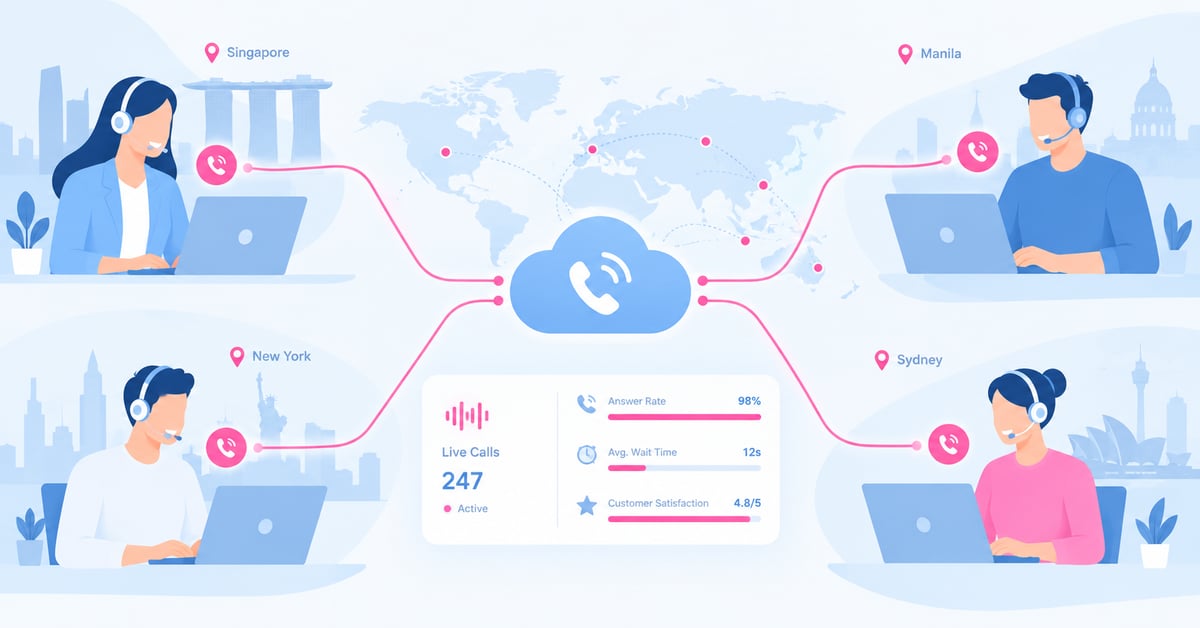
Quick AnswerA virtual call center is a customer service operation where agents handle calls from distributed locations such as home, satellite offices, or multiple countries, connected through cloud-based unified communications and contact center technology instead of a single physical site. The infrastructure lives in the cloud. The operational challenge is proving call quality and agent performance stay consistent no matter where an agent is sitting. |
Key takeaways: virtual call centers
- Virtual call centers describe where agents work, while CCaaS describes how the underlying technology is delivered.
- Distributed call flows create more vendor handoffs, which means more places for quality to degrade before anyone notices.
- The hardest virtual call center problems are usually visibility problems, not staffing problems.
- Optimization moves fastest when routing, staffing, and infrastructure are treated as one connected system.
- IR Collaborate helps teams correlate quality issues across the UC, CCaaS, and IVR layers a virtual call depends on.
What is a virtual call center?
Where agents sit, not where the servers live.
A virtual call center replaces the single physical building with a distributed workforce. Agents can sit at home, in a satellite office, or across three countries. The customer dialing in has no idea, and should not need to.
The distinction that matters is simple: a virtual call center describes where agents work. Contact center as a service, or CCaaS, describes how the underlying technology is delivered. Most virtual call centers today run on a CCaaS platform because cloud delivery is what makes distributed staffing practical in the first place. But the two terms are not interchangeable. An enterprise can run a virtual model on infrastructure it still manages on premises, and plenty of single-site centers now run on CCaaS platforms without ever going virtual.
For contact center leaders in banking, telecom, retail, and large healthcare organizations, that distinction is not academic. It determines who owns uptime, who owns call quality, and where the visibility gaps actually sit. That is why solutions such as IR Collaborate matter more once a center becomes distributed rather than centralized.
The category is growing fast enough that it is worth getting this distinction right early. According to Grand View Research, the global CCaaS market was valued at USD 5.82 billion in 2024 and is projected to reach USD 17.12 billion by 2030. That growth reflects how many enterprises are moving agents off a single floor plan and onto cloud infrastructure.
How virtual call center call flows work
Every handoff is a place a call can degrade.
A call flow is the path a call takes from the moment it is dialed to the moment it is resolved. That path moves through the IVR menu, automatic call distribution rules, and finally to an agent or a self-service resolution. In a traditional single-site call center, that path mostly stays inside one vendor's stack. In a virtual call center, it routinely crosses several: a cloud UC platform for dial tone, a CCaaS platform for routing and the agent desktop, and often a separate IVR or bot layer for self-service.
Each handoff between those systems is a place a call can degrade without anyone noticing until a customer complains. A common example is when an IVR passed QA and still failed under load. The menu logic was fine. The queue behind it was not built to hold that many calls at once.
Routing rules add another layer of complexity once agents are distributed. Skills-based routing has to account for time zone, agent location, and often data residency. A call handled by an agent in one region may need to stay within that region's regulatory boundary, which a routing engine built for a single site was never asked to enforce.
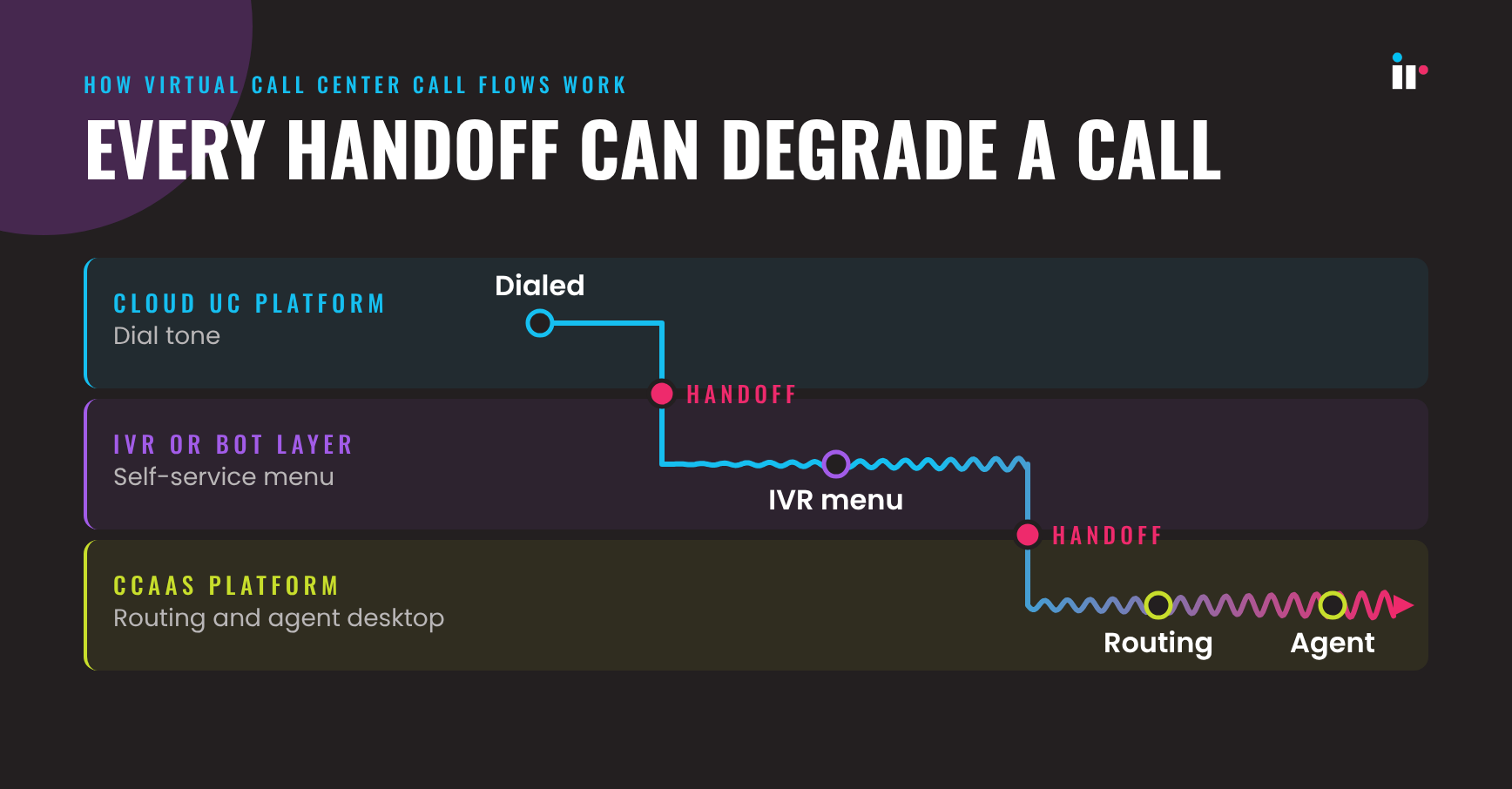
This is also why leaders tracking the future of contact centers pay close attention to architecture, not just staffing. Distributed teams make routing smarter, but they also make failure points harder to see without correlated data.
Common virtual call center challenges
The problems that do not show up until a customer complains.
Distributing agents solves a staffing problem. It creates a visibility problem in its place. The most common issues fall into four groups.
- Multi-vendor blind spots: a UC platform, a CCaaS platform, and an IVR layer each report on their own slice of the call. None of them, on its own, shows the complete path a customer experienced.
- Inconsistent call quality by location: an agent on congested home Wi-Fi can create the same customer impact as a network fault at headquarters, but tools that only watch the contact center platform often miss the difference.
- Queue and IVR overload: self-service and routing logic that were never load-tested against a real spike fail exactly when they matter most.
- Compliance across jurisdictions: distributed agents often mean distributed rules for recording, data residency, and retention, which a single-site process was never built to handle.
None of these usually shows up as one dramatic outage. They show up as a slow drift in CSAT and first call resolution that is hard to trace back to a cause. That is exactly why they get missed. Teams running multi-vendor UC and contact center monitoring and watching for voice and video call quality issues are far more likely to catch the pattern before customers do.
Optimizing a virtual call center
Optimization is routing, staffing, and infrastructure, not just headcount.
Call center optimization gets treated as a staffing question by default: add agents, adjust shifts, retrain. Those levers matter, but in a virtual model the infrastructure underneath the agents is just as often the actual constraint.
Three areas do most of the work. First is routing optimization: skills-based and location-aware routing that accounts for time zone, language, and regulatory boundary, not just agent availability. Second is workforce and network optimization together: forecasting staffing needs against expected volume, then pairing that with visibility into whether the network each agent depends on can actually support the load. Third is continuous QA rather than periodic sampling, so a degradation shows up in days instead of during the next quarterly review.
Enterprises that treat these three as one connected problem, not three separate initiatives owned by three separate teams, see the clearest gains in average resolution time and customer resolution rate. That is why teams focused on remote call center management and call center monitoring software tend to outperform teams that isolate network, QA, and operations into separate silos.
Turning call center data into decisions
Aggregate trends tell you something changed. Individual call data tells you why.
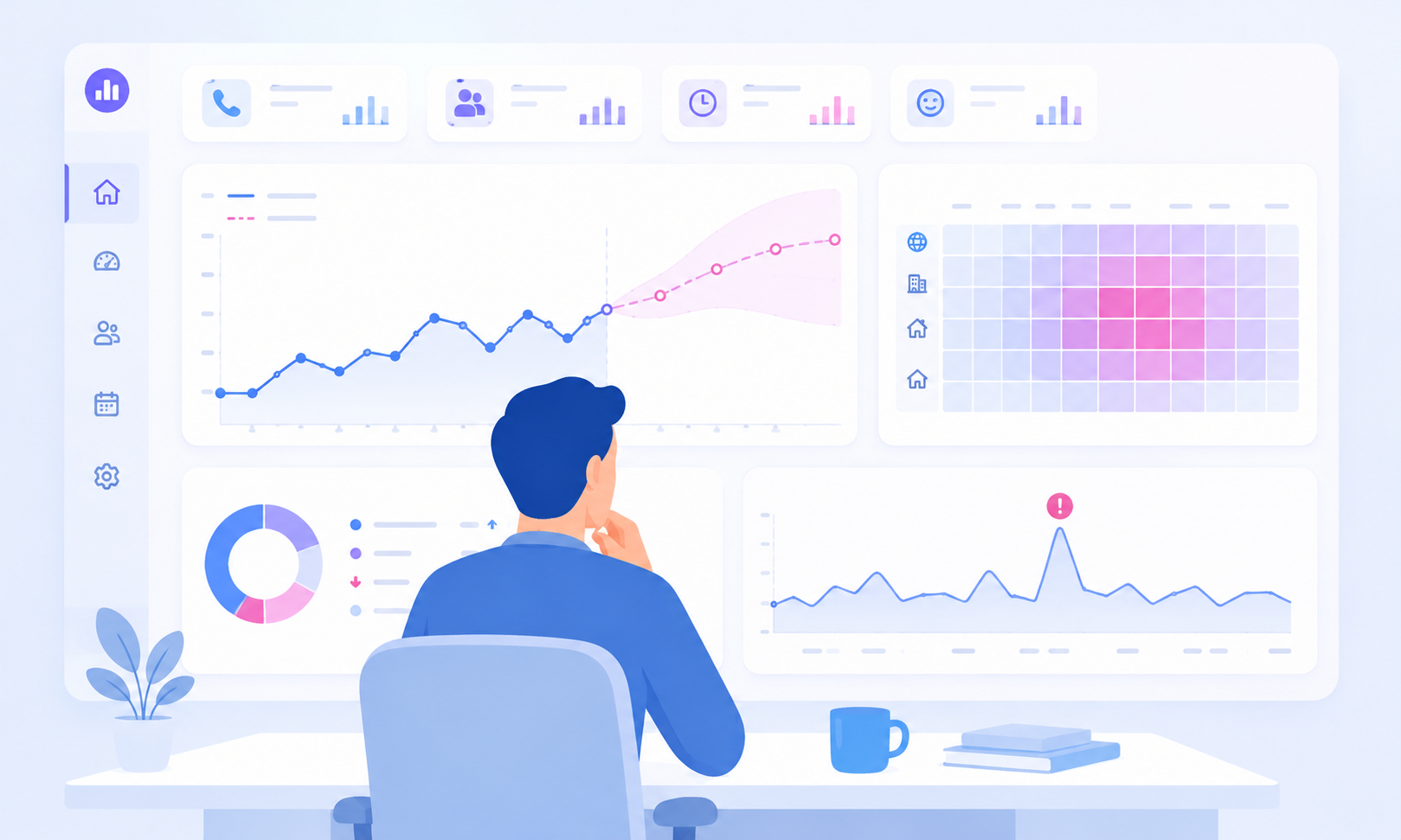
A virtual call center generates far more telemetry than a single site ever did: call detail records, IVR paths, agent desktop events, network metrics, and sentiment signals. Turning that volume into a decision takes three distinct disciplines that often get confused with one another.
-
Data science applies statistical and machine learning methods to interaction data, identifying what drives handle time, churn risk, or escalation instead of only reporting that those metrics moved.
-
Predictive modeling forecasts what is coming: expected call volume ahead of a known event, likely staffing shortfalls, or early warning that an agent is at risk of attrition.
-
Data visualization turns both into something a supervisor can act on in real time through dashboards and trend lines that surface anomalies the moment they start.
The distinction that matters operationally is this: aggregate dashboards tell a supervisor that average handle time is climbing. They do not tell you which vendor handoff, which location, or which specific call started the trend. That requires the ability to trace an individual call path across metrics, logs, and traces, not just watch the aggregate number move.
Evaluating call center QA tools
What to check before you commit budget.
Call center QA tools range from basic call recording with manual sampling to continuous automated quality monitoring across every interaction. Before evaluating vendors, confirm the tool answers the questions a distributed multi-vendor environment creates.
- Does it monitor continuously across 100% of calls, or rely on a manual sample?
- Does it correlate data across the UC platform, the CCaaS platform, and the IVR layer, or only the one it was built for?
- Can it isolate whether a quality issue started on the network, the platform, or the agent's local connection?
- Does it support the compliance and data residency requirements of every region agents work from?
- Does it alert on a threshold in real time, or only surface the issue in a report after the fact?
A QA tool that only sees one vendor's slice of the call will consistently underreport problems that originate at a handoff. That is one of the most common gaps enterprise teams find once they move beyond a proof of concept. This is also why it helps to compare adjacent categories such as Genesys monitoring and broader evaluations such as comparing observability tools for SMBs and enterprise platforms before committing budget.
How IR Collaborate can help
One view across every vendor an agent's call actually touches.
IR Collaborate gives real-time visibility across the UC platforms, CCaaS platforms, and IVR layers that make up a virtual call center, correlating telemetry across all of them instead of monitoring each in isolation. That correlation is what lets a team trace a degraded call from the agent's endpoint through the network to the carrier, rather than guessing which dashboard to check first.
Iris, the natural language AI built into the Prognosis platform, lets a supervisor ask a plain-language question about call quality or agent performance instead of navigating multiple dashboards to find the answer. The package also notes a reused claim that enterprises using AI-driven observability across UC and contact center environments have reduced MTTR by approximately 40 to 60 percent, and that figure should still receive final Product Marketing confirmation before publish.
For a distributed team, that is the difference between finding out about a problem from a customer and finding out from the data before the next call hits the same failure point.
FAQs about virtual call centers
In conclusion: what makes a virtual call center work
The shift to a virtual call center was never really about where agents sit. It was about whether an enterprise can prove call quality and resolution rates hold steady once that single floor plan disappears.
The teams getting this right are not the ones with the most agents or the newest CCaaS contract. They are the ones who can see across every vendor a call touches in real time, before a customer has to tell them something broke.
See how distributed contact center visibility works
See how IR Collaborate gives distributed contact center teams one correlated view across UC, CCaaS, and IVR.