


.png?width=141&height=141&name=Transact%20(1).png)






.svg)

.svg)
.svg)
.svg)


%201.svg)















The riskiest week of an Avaya migration isn't the planning or the go-live celebration. It's the cutover itself, when half your calls still route through Avaya and half have moved to the new platform, and no single console shows you both.
Monitoring tells you a platform is up. Observability tells you whether a call actually landed, which side of the migration it landed on, and why the ones that dropped did. During a cutover, only the second question matters.
Why migrations create a visibility gap
Two tools, one call, and no shared view of either.
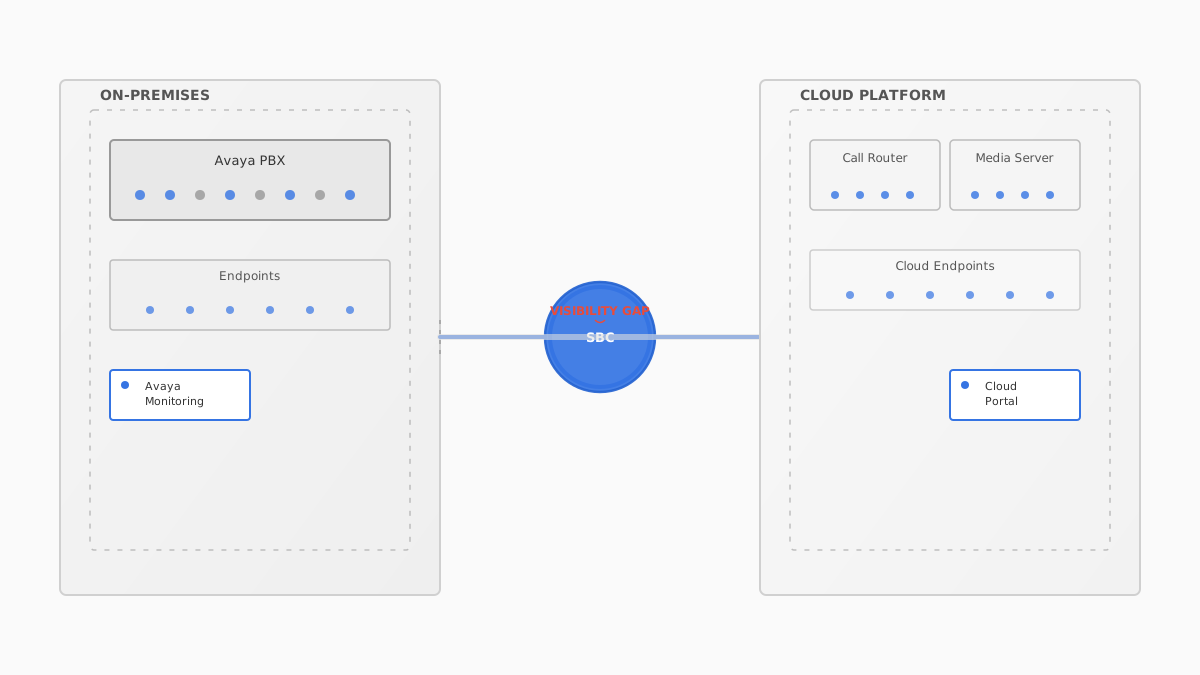
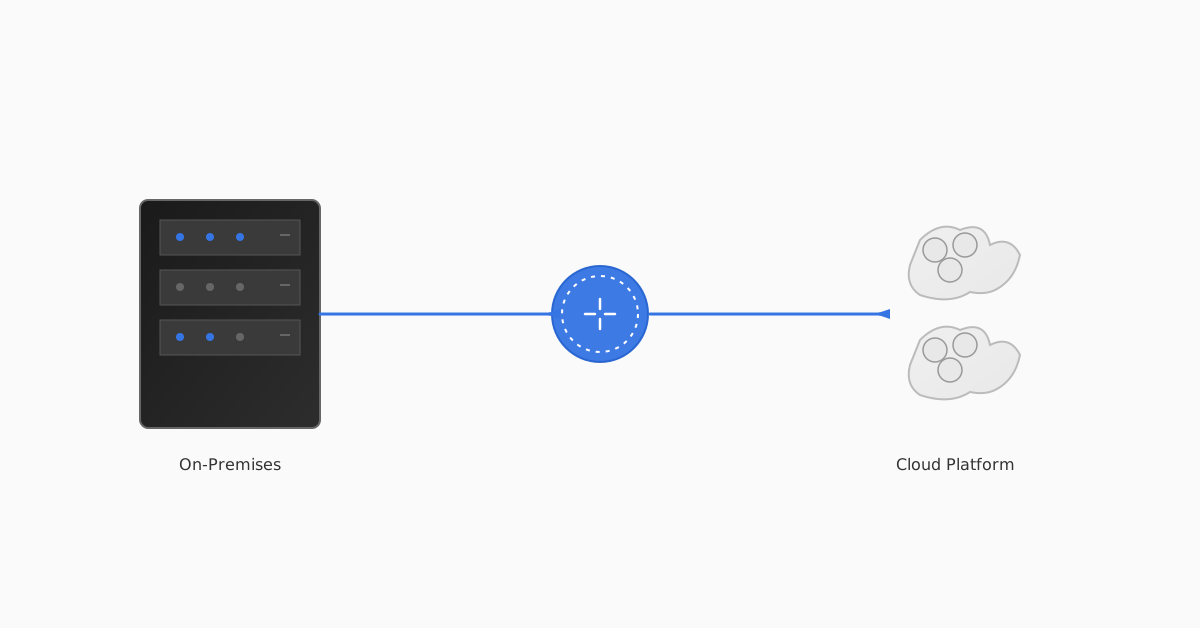
Most teams watch the old estate with Avaya-native tooling and the new one with the vendor's cloud portal. The problem lives in the gap between them: a call that starts on-prem, hits a Session Border Controller (SBC), and finishes in the cloud. Neither tool owns the whole path, so neither can explain a failure that crosses it.
That gap is where cutover incidents hide:
- One-way audio when media renegotiates across the boundary
- Registration storms as endpoints re-home to the new platform
- SBC capacity limits that only appear under real call volume
- Mean Opinion Score (MOS) degradation on trunks that tested fine in isolation
What good looks like during a cutover
Baseline first, or you're arguing from memory.
A migration you can actually see through has three properties:
| Property | Without it | With it |
|---|---|---|
| Per-call path detail | "Some users report issues" | The exact leg where the call broke |
| Pre-cutover baseline | Guessing what "normal" was | Yesterday's numbers to compare against |
| Cross-boundary correlation | Two half-records, reconciled by hand after the fact | One record per call, whichever side it started on |
The baseline point is the one teams skip. If you don't capture what call quality looked like before you touched anything, you can't prove whether the migration made it better, worse, or no different.
Guide: For the full pre-migration checklist and UC optimisation playbook, download IR's guide to Optimising Your Unified Communications.
How IR Collaborate can help
One record per call, on either side of the fence.
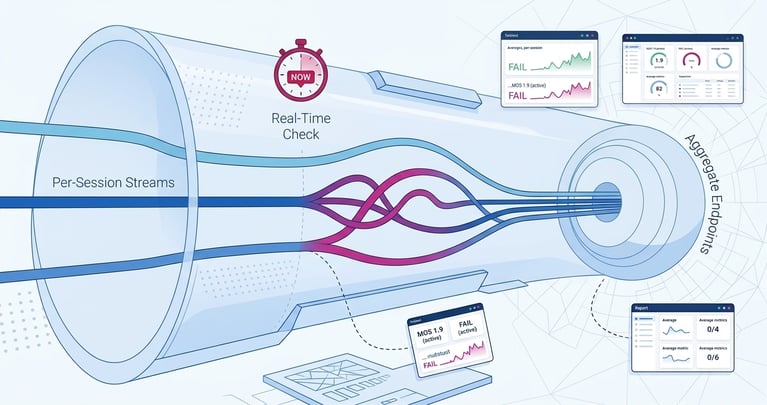
IR Collaborate, powered by Prognosis, correlates telemetry across Avaya and your destination platform in one view, so a call that crosses the boundary is a single record, not two half-records you stitch together by hand. Teams running a cutover use it to hold a live baseline, watch registration and media health in real time, and pinpoint the exact leg where a failed call broke, before the service desk fills with tickets.
The outcome isn't "more dashboards." It's the confidence to move production traffic knowing you'll see a problem the moment it appears, on either side of the fence.
The stakes, reframed
Nobody remembers a migration that worked.
A migration is judged on one thing: did users notice? Get visibility right and the cutover is a non-event nobody remembers. Get it wrong and every dropped call becomes an argument about whether the project was worth it. Visibility is what turns a high-stakes week into a routine one.

.png?width=767&height=450&name=Designer%20(1).png)