






.png?width=141&height=141&name=Transact%20(1).png)






.svg)

.svg)
.svg)
.svg)


%201.svg)
















Your team already runs Datadog. Microsoft Teams is already wired into it for alerts. So when someone asks whether Teams is monitored, the instinct is to say yes.
That answer conflates two different things: alerting through Teams and monitoring Teams itself. Datadog does the first well. It does not do the second, and that gap becomes visible when a call breaks down mid-meeting while the Datadog dashboard shows nothing wrong.
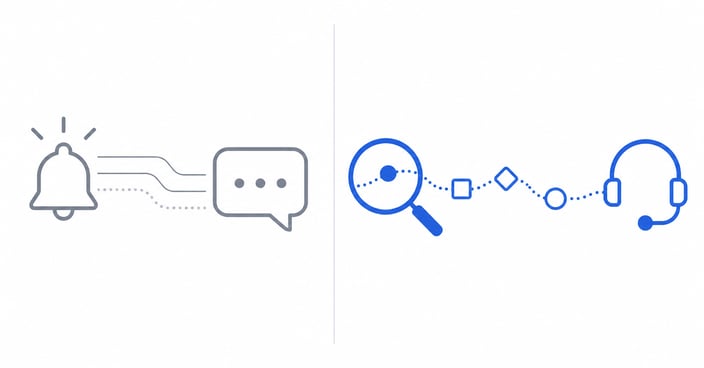
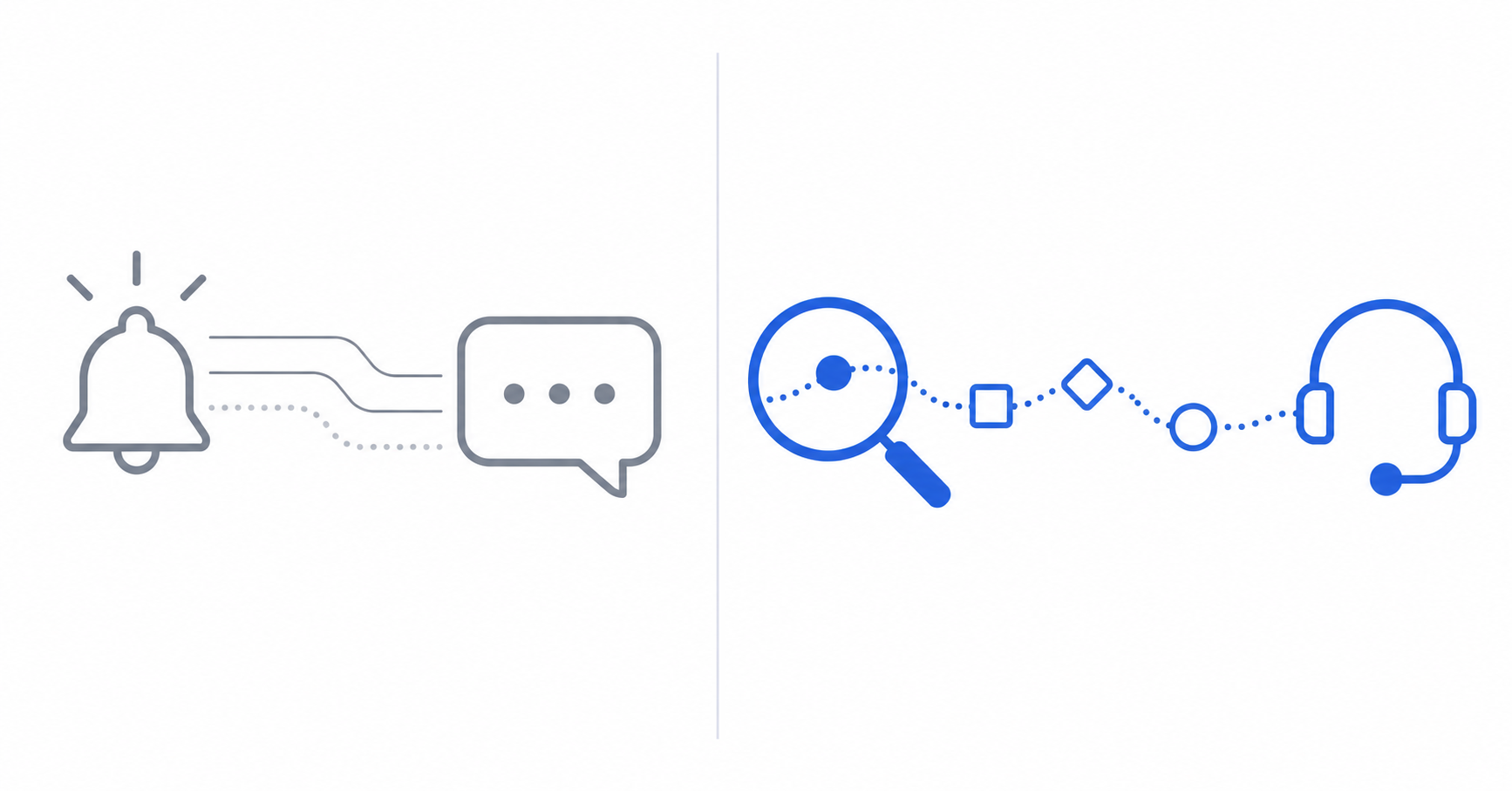
Monitoring Teams and alerting through Teams are not the same job
Alerting through Teams means routing notifications from existing monitors into a Teams channel so your team can respond without leaving chat. Monitoring Teams means observing the call and meeting experience itself, including audio quality, video quality, and connection health as the call happens.
“Did something in our infrastructure break?” can be answered by infrastructure alerting. “Why did that specific Teams call sound broken?” requires session-level visibility into the call and its dependencies.
What Datadog’s Microsoft Teams integration does well
It is built for infrastructure alerts, not call quality.
Datadog’s Teams integration connects existing Datadog monitors for infrastructure, applications, and network performance to the Teams channels your team already watches. For a team using Datadog for cloud infrastructure, this reduces the number of places to check during an incident.
It also supports workflow automation, allowing a monitor event to trigger messages, decision prompts, or automated responses inside a Teams conversation.
- Centralized alerting: routes notifications from across your Datadog environment into Teams channels.
- Workflow automation: supports incident-response actions where the conversation is already happening.
- Broad infrastructure coverage: covers hosts, containers, and network devices, with Teams as a notification destination.
If you are comparing observability platforms more broadly, see IR’s comparison of enterprise observability tools.
What Datadog does not cover: the call itself
No SBC, no Direct Routing, and no session-level Teams telemetry.
Datadog Network Performance Monitoring tracks hosts, containers, DNS, and network devices in general terms. It is not designed to capture UC telemetry such as mean opinion score, jitter, or packet loss tied to a specific Teams call. Its Teams integration is also not a session-monitoring layer for session border controllers or carrier paths connected to Teams Direct Routing.
When a Teams call degrades, the useful question is where in the path the quality broke down: the user’s local network, the carrier, the SBC, or the Teams service. Without that answer, a help desk ticket can become a cross-team investigation. IR’s guide to monitoring Microsoft Teams covers the wider set of criteria for closing that gap.
Datadog is built to monitor infrastructure and alert your team through Teams. It is not built to monitor Teams call quality.
Datadog versus IR Collaborate for Microsoft Teams monitoring
| Capability | Datadog Teams integration | IR Collaborate |
|---|---|---|
| Call-quality telemetry | Not available for Teams sessions | Per-call and per-endpoint visibility |
| SBC and Direct Routing visibility | Not covered | Support for cloud and on-premises SBCs |
| Carrier network correlation | Not covered | Correlates carrier path with Teams session health |
| Session-level troubleshooting | Not designed for this use | Traces a degraded call end to end |
| Alert delivery into Teams | Native alert delivery | Feeds existing alerting and ITSM workflows |
| Deployment model | Cloud-based | Cloud, on-premises, or hybrid |
| Primary use case | Infrastructure and application monitoring | UC and customer-experience observability |
The overlap between the two platforms is the Teams integration layer, not the monitoring layer. If you need infrastructure alerts to land in the channel your team uses, Datadog covers that. If you need to know why a specific Teams call sounded the way it did, that is a different product category.
Questions to ask before assuming Datadog closes the gap
- Do you need to know why a specific call degraded, not only that an infrastructure alert fired?
- Are the dependencies behind a Teams call, including SBCs, Direct Routing, and the carrier path, inside your current monitoring coverage?
- Is your team reconstructing Teams incidents across several tools that were not built to correlate?
- Does your environment mix Teams with other UC platforms that also need call-quality visibility?
A yes to any of these questions identifies a gap that Datadog’s Teams integration was not designed to close.
How IR Collaborate can help
Visibility into the call itself, not only the infrastructure around it.
IR Collaborate gives IT and network teams visibility into the Teams call and meeting experience as part of broader support for Microsoft environments.
- End-to-end session visibility: traces a Teams call from endpoint through SBC and carrier to show where quality degraded.
- Direct Routing support: monitors cloud and on-premises SBCs connected to Teams Direct Routing.
- Multi-platform coverage: extends visibility across Webex and Teams so a mixed UC environment is not managed one platform at a time.
- Deployment flexibility: supports cloud, on-premises, and hybrid Teams environments.
For more detail on Direct Routing dependencies, see IR’s Microsoft Teams Direct Routing guide.
Datadog tells you an alert fired. It does not tell you why the call sounded broken in the first place.
Conclusion
It is not either-or. It is whether you can see both.
The question is not whether your monitoring stack includes Microsoft Teams. It is whether it can tell you why a call broke down while it is still happening. Datadog answers the infrastructure-alerting question well. Monitoring Teams itself answers the call-quality question.
Until a team has both in place, it is watching only part of the picture. Request a demo of IR Collaborate to see what is happening inside your Teams calls.
Frequently asked questions
Does Datadog monitor Microsoft Teams call quality?
No. Datadog’s Microsoft Teams integration routes alerts from Datadog monitors into Teams channels. It does not capture session-level Teams metrics such as mean opinion score, jitter, or packet loss.
Can Datadog see Microsoft Teams Direct Routing or SBC health?
Not as a native Teams call-monitoring capability. Datadog tracks infrastructure and network devices in general terms, while Direct Routing and SBC visibility requires monitoring the call path itself.
Do enterprises need both Datadog and a UC monitoring platform?
Many organizations use Datadog for infrastructure and application monitoring while using a purpose-built UC platform for the Teams call and meeting experience.
What does IR Collaborate add?
IR Collaborate adds session-level visibility into call quality, SBC and Direct Routing health, and carrier-path correlation so teams can investigate why a call degraded.
Is IR Collaborate meant to replace Datadog?
Not typically. The two solve different problems: Datadog monitors infrastructure and applications, while IR Collaborate monitors the unified communications and contact center experience.
Does IR Collaborate support cloud, on-premises, and hybrid Teams deployments?
Yes. IR Collaborate supports Teams environments deployed in the cloud, on-premises, or across a hybrid combination, including Direct Routing SBCs.

.png?width=767&height=450&name=Designer%20(1).png)
-1.png?width=767&height=450&name=cloud-load-performance-testing-tile%20(1)-1.png)