


.png?width=141&height=141&name=Transact%20(1).png)






.svg)

.svg)
.svg)
.svg)


%201.svg)














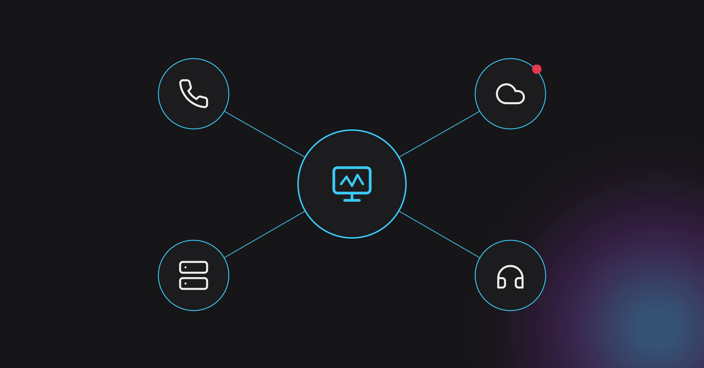

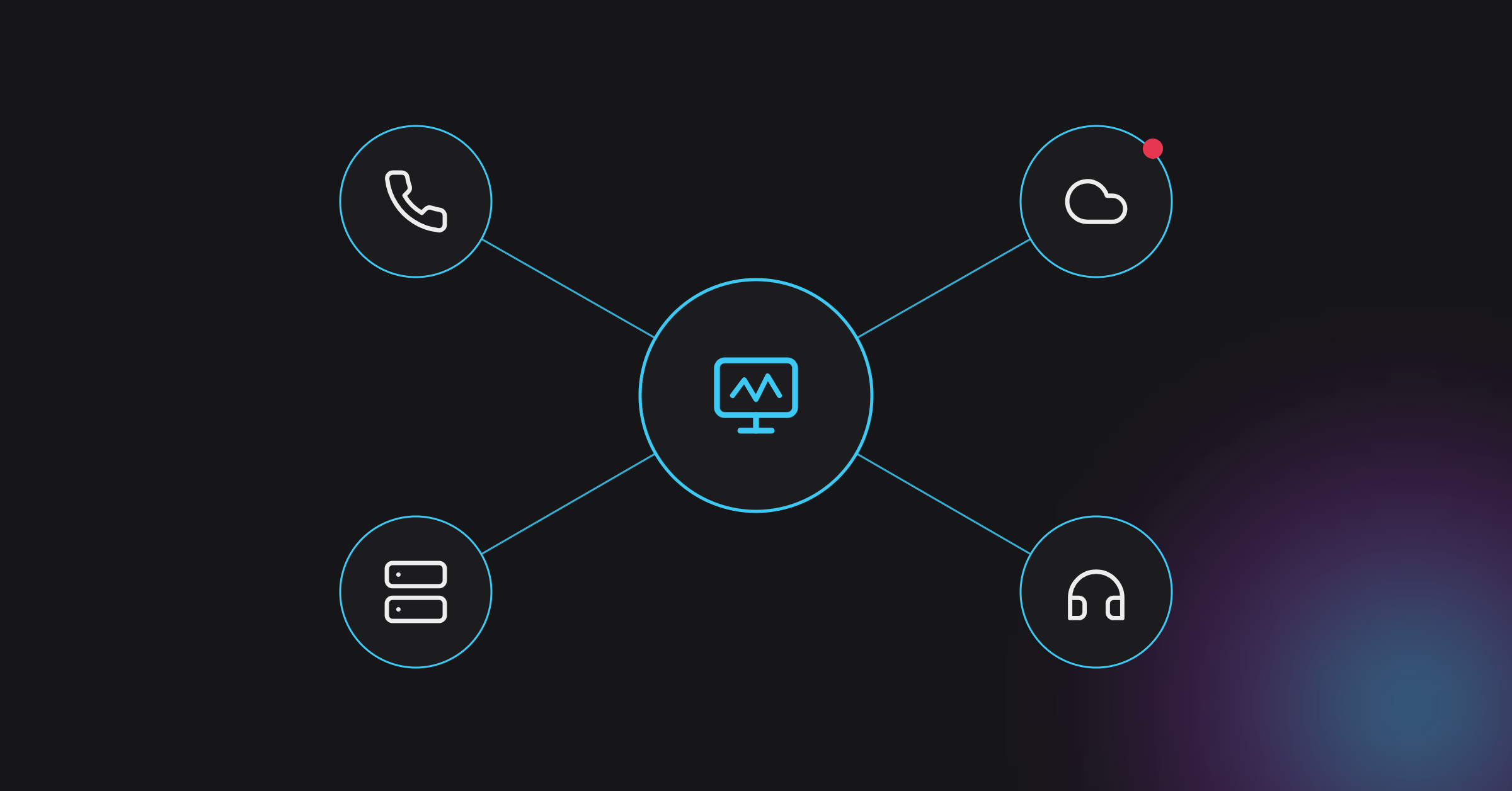
Search “best Avaya monitoring tools” and most results assume you’re monitoring an Avaya-only contact center. Almost nobody actually is.
Enterprise contact centers running Avaya almost always run something else alongside it — Genesys, Cisco, Microsoft Teams, or some mix of them — plus SBCs, carriers, and cloud infrastructure in between. A monitoring tool judged only on how well it watches Avaya is being judged on the wrong criteria, and a shortlist built that way will look strong on paper and fall short in production.
Single-vendor visibility answers one question: is Avaya up? Multi-vendor visibility answers the one that actually matters: was the call good, end to end, no matter which platform touched it along the way?
Get this wrong and the cost shows up in familiar places. Agents troubleshoot instead of taking calls. IT chases a fault across five dashboards before finding it sits outside Avaya entirely. The customer has already hung up, and posted about it, by the time anyone notices.
For contact center leaders, that isn’t just an IT problem. Every minute spent working out which vendor owns a fault is a minute agents spend apologizing instead of resolving, and it shows up in average handle time and CSAT scores, not just a ticket queue.
What actually separates a good Avaya monitoring tool from a checkbox exercise
Six criteria matter more than the Avaya-specific feature list vendors lead with. Use them to test any tool on the shortlist, not just the ones marketed as “Avaya monitoring.”
End-to-end, cross-platform visibility
One view covering the full contact center stack, Avaya alongside whatever else is in the estate, instead of a separate tool per platform. Without it, every incident starts with the question of which dashboard to open first.
Real-time voice and video quality monitoring
Continuous visibility into call setup, quality, and availability, not periodic uptime checks that only confirm a platform is technically online. Uptime and call quality are not the same thing, and a tool that only reports the first gives a false sense of coverage.
Root-cause analysis that crosses vendor lines
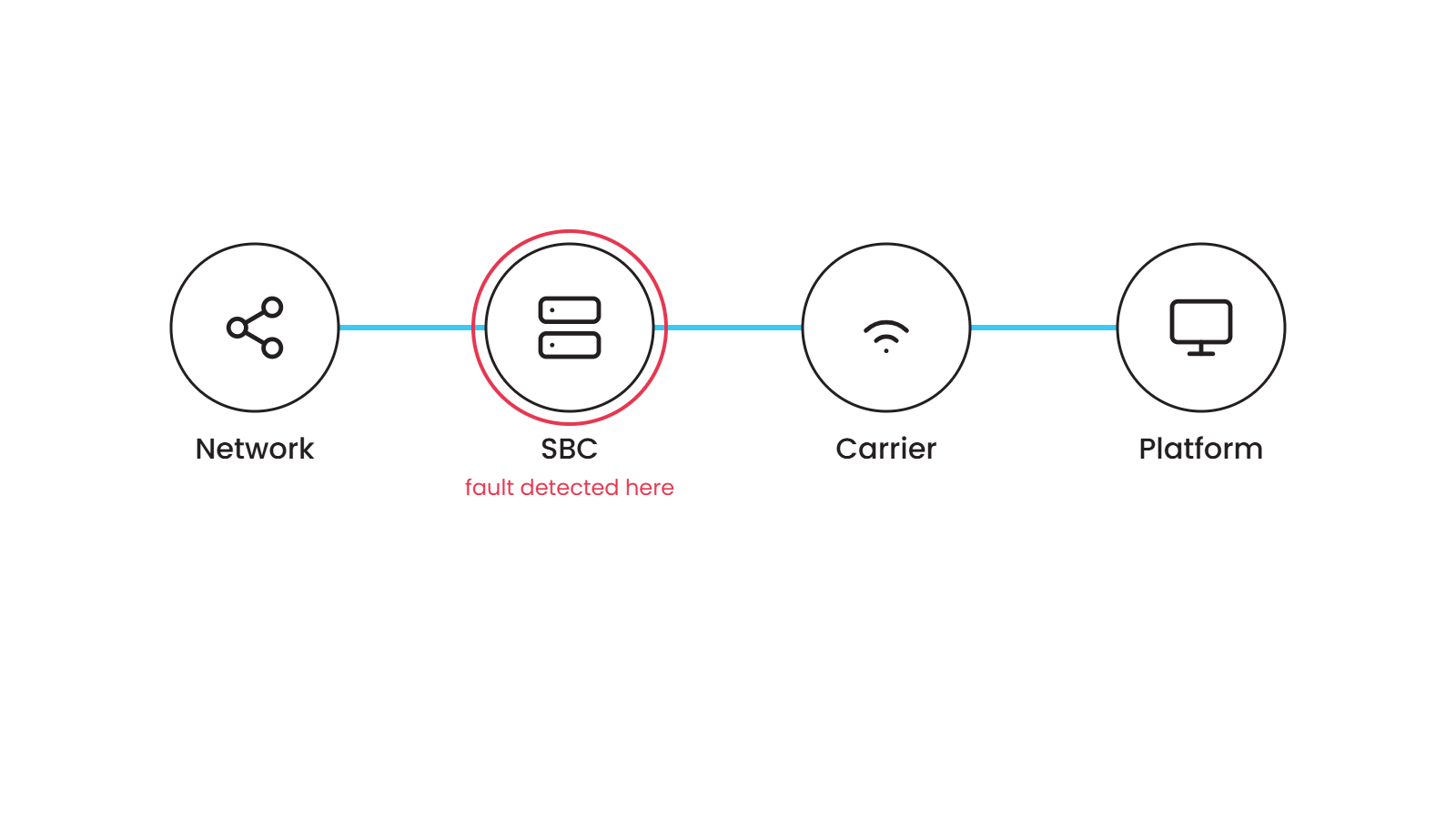
The ability to trace a degraded call across the network, SBCs, carriers, and Avaya components without switching tools mid-investigation. Every extra tool in that chain adds minutes to mean time to resolution.
Proactive testing, not just detection
Validating capacity, performance, and resilience before a migration, a peak-volume event, or a change to the environment, rather than waiting for the first dropped call to find out. Detection tells a team something broke; testing reduces how often that happens in the first place.
Genuine multi-vendor support
Avaya monitoring only earns a place on the shortlist if it covers Avaya alongside Teams, Cisco, Genesys, or Zoom, whatever the rest of the environment runs today or migrates to next year.
Deployment flexibility
Support for cloud, on-premises, or hybrid, matching how the contact center is actually deployed today, not how a vendor would prefer it were deployed. A tool that assumes a cloud-only future is a tool that will need replacing mid-migration.
These six criteria apply whether the search is for a point solution or a rethink of contact center monitoring more broadly, and they hold up regardless of which vendor’s name is on the shortlist.
How IR Collaborate can help
IR Collaborate is built around the same six criteria, not just Avaya. Powered by the Prognosis platform, it gives contact center and IT operations teams end-to-end visibility across Microsoft, Cisco, Zoom, and Avaya UC platforms, plus SBCs and other devices in the estate, from a single view. Real-time quality monitoring covers voice, video, call setup, and availability. Root-cause analysis works across vendor lines instead of stopping at Avaya’s edge, and proactive testing validates capacity and resilience before a migration or a peak-load event. The platform deploys however the contact center already runs: cloud, on-premises, or hybrid, so the monitoring approach doesn’t need to be rebuilt every time the infrastructure changes.
Frequently asked questions
Do I need an Avaya-specific monitoring tool, or something broader?
Broader, in almost every case. Avaya rarely runs alone in an enterprise contact center, so a tool that only watches Avaya leaves the rest of the call path unmonitored, including the network, SBCs, carriers, and any other UC platforms in the estate.
What’s the difference between monitoring and observability for a contact center?
Monitoring tells you whether a system is up. Observability tells you why a call was bad and where in the chain it happened, which matters more once Avaya is one platform among several rather than the whole environment.
Can one platform monitor Avaya alongside Microsoft Teams or Genesys?
Yes, provided the platform is built for multi-vendor environments rather than adapted from a single-vendor tool. Confirm vendor and SBC coverage before shortlisting, since not every “multi-vendor” claim covers the same list of platforms.
What should I test before migrating an Avaya contact center to the cloud?
Capacity, call quality, and resilience under real-world load, ideally before, during, and after the migration rather than only after go-live, so problems surface in testing instead of on a live customer call.
Does real-time monitoring prevent outages?
It helps teams catch and act on degradation before customers notice, which reduces impact. It does not guarantee an outage never happens, and any tool that claims otherwise is overstating what monitoring can do.
Does this still apply if Avaya isn’t the primary platform in the contact center?
Yes. The same criteria apply whether Avaya is the primary platform or one of several running alongside Teams, Genesys, or Cisco. The goal is visibility across the estate, not around any one vendor.
Where does IR Collaborate fit for Avaya environments?
As the layer that gives contact center and IT teams one view across Avaya and whatever else runs alongside it, rather than one tool per platform and one more dashboard to check during an incident.
Conclusion
The best Avaya monitoring tool for an enterprise contact center is rarely the one that knows Avaya best. It’s the one that stops caring which platform the problem is actually on. That’s the shift worth making before the next shortlist, not after the next outage.
See how IR Collaborate gives Avaya-based contact centers one view across the whole stack. Get a Demo.